
Follow these simple steps to top up your SMMGlob balance quickly and securely.
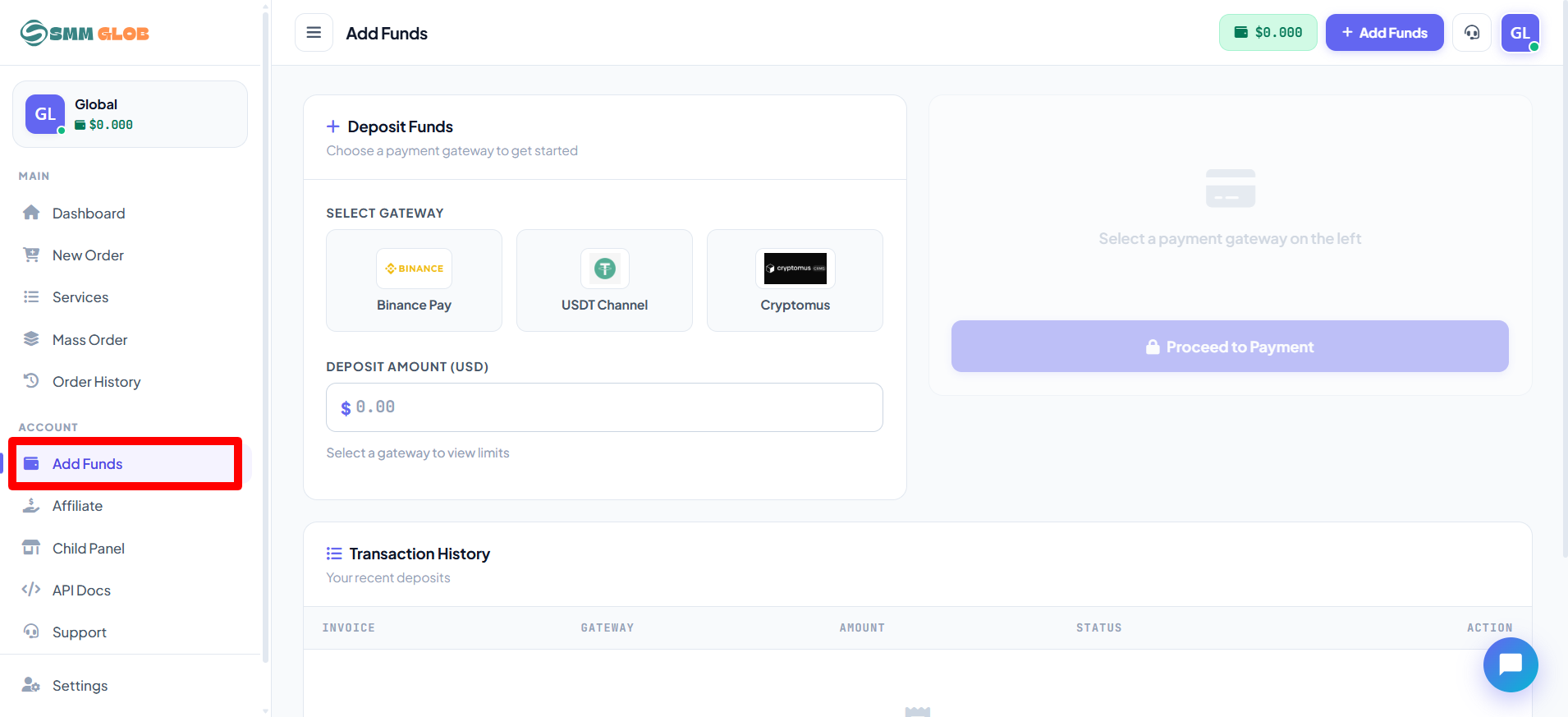
1 | Navigate to Add Funds |
From the main dashboard, look at the left-hand sidebar and click on the
Add Funds button to open the deposit page.
|
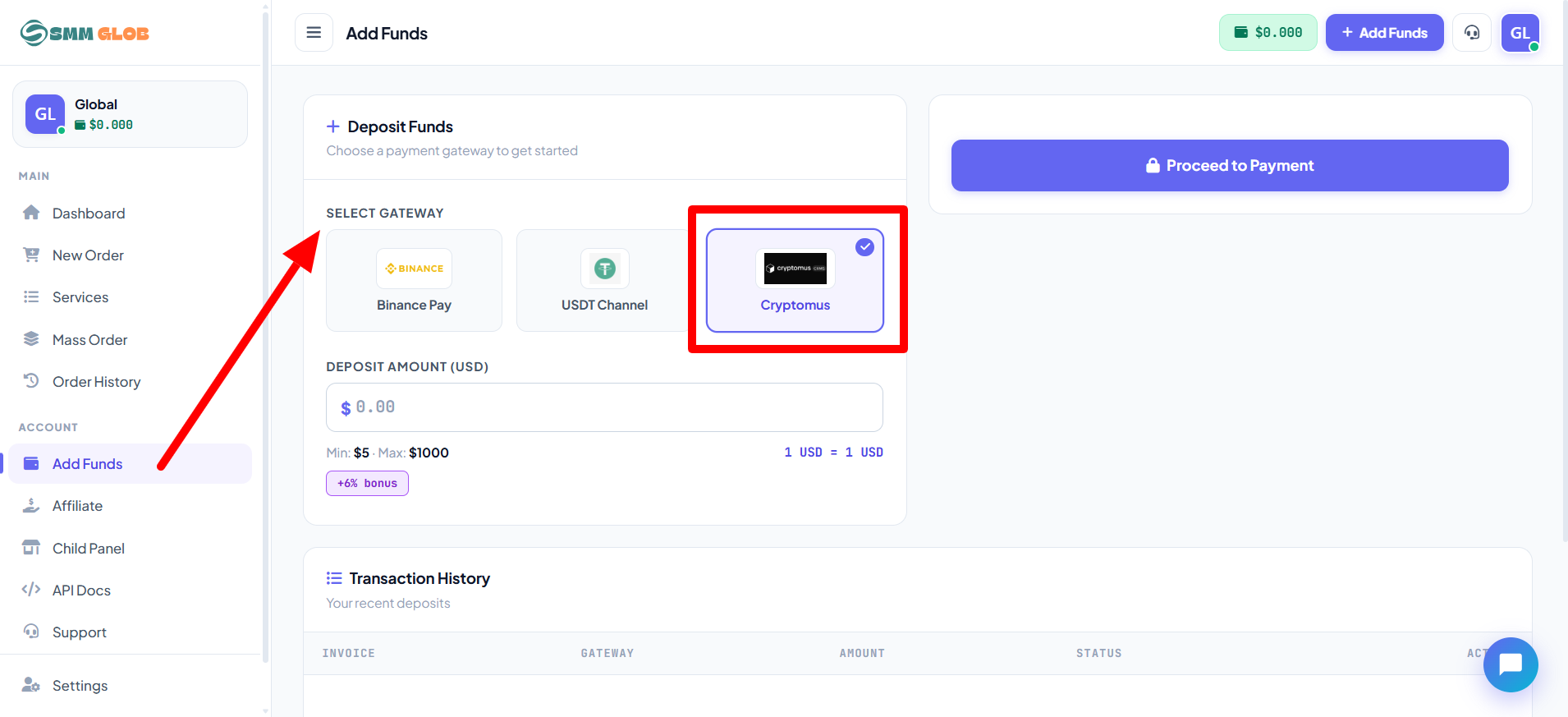
2 | Select Gateway |
Choose your preferred payment method from the Select Gateway menu.
|
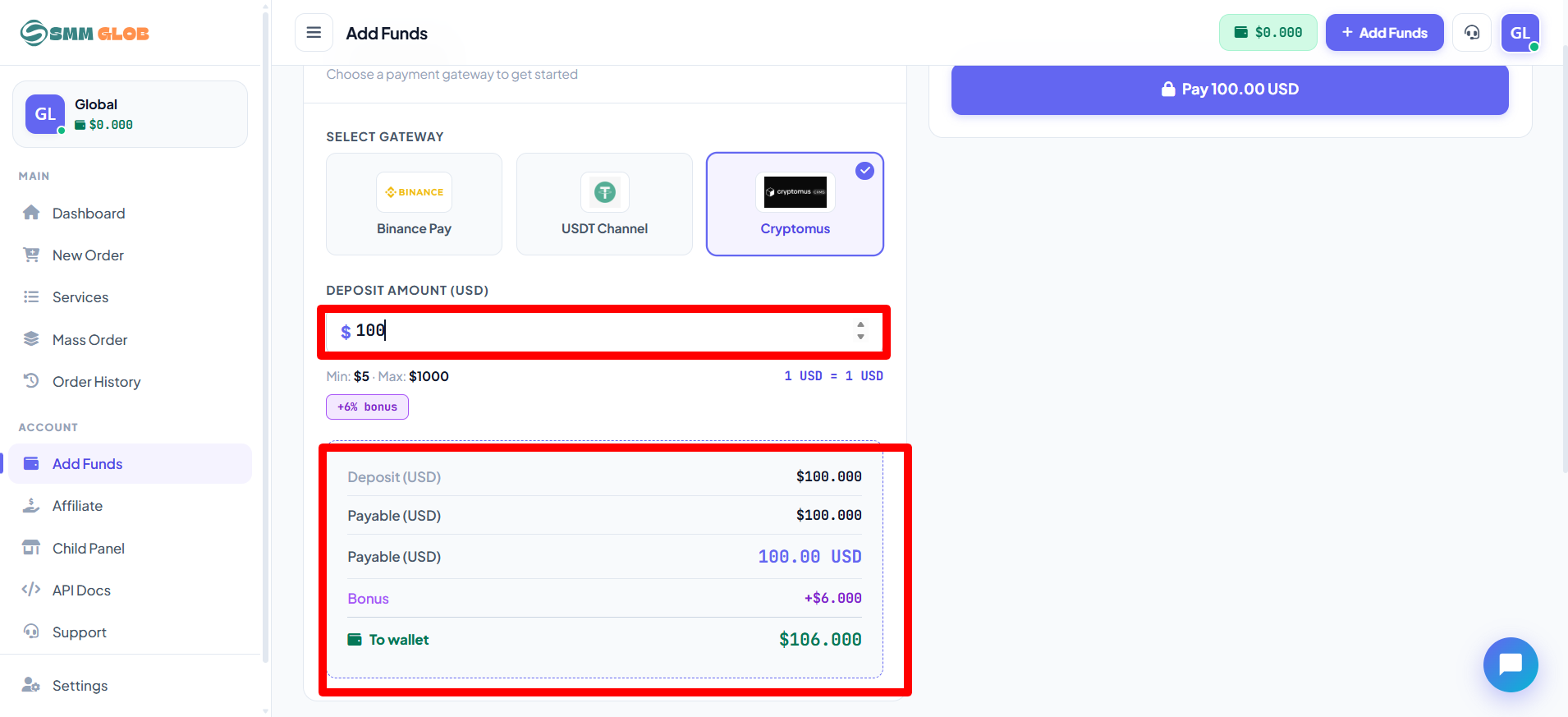
3 | Enter Deposit Amount |
Type the amount you wish to deposit into the Deposit Amount (USD) field.
ℹ️ | Auto-calculated: Below the input box, the exact amount credited to your balance will be shown automatically, including any applicable gateway charges or bonuses. |
|
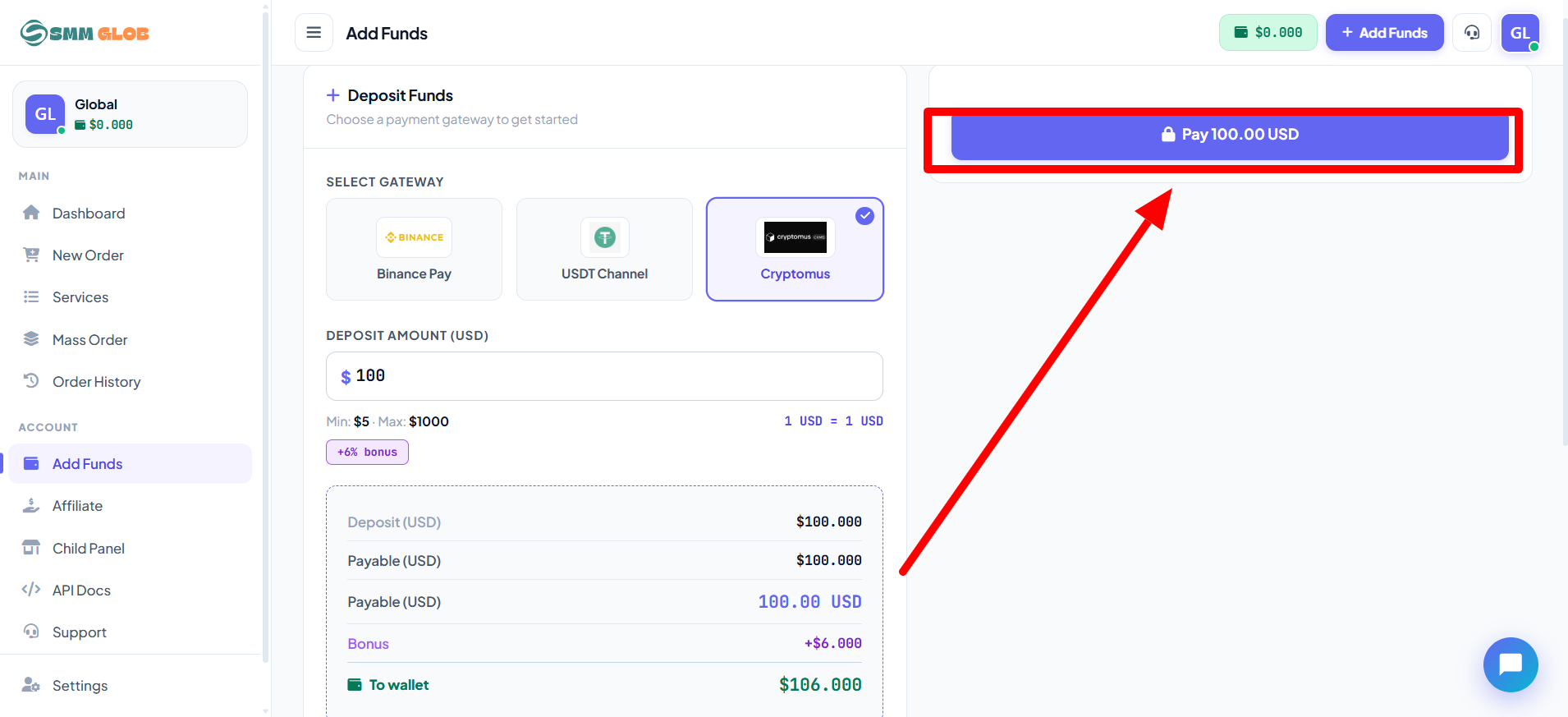
4 | Complete the Payment |
Depending on the gateway you selected, follow one of the processes below:
🏦 Manual Gateway 1. Follow the on-screen instructions to send the payment. 2. Fill in the required fields (e.g., Transaction ID or Sender Number). 3. Click Submit to complete. |
| ⚡ Automated Gateway 1. Click the Pay button. 2. You will be redirected to the provider's secure checkout page. 3. Complete the transaction through the provider. |
💳 Active Payment Methods
|
Currently available payment gateways and their minimum deposit amounts:
|
⚠️ What to Do If There Is an Issue?
⚠️ | Balance not updated after payment? If your payment was successful but the balance was not added, or if you face any other issue, please contact our support team immediately. |
🎫 Open a Support Ticket Visit https://smmglob.com/tickets to open a new support ticket and our team will assist you as soon as possible. |